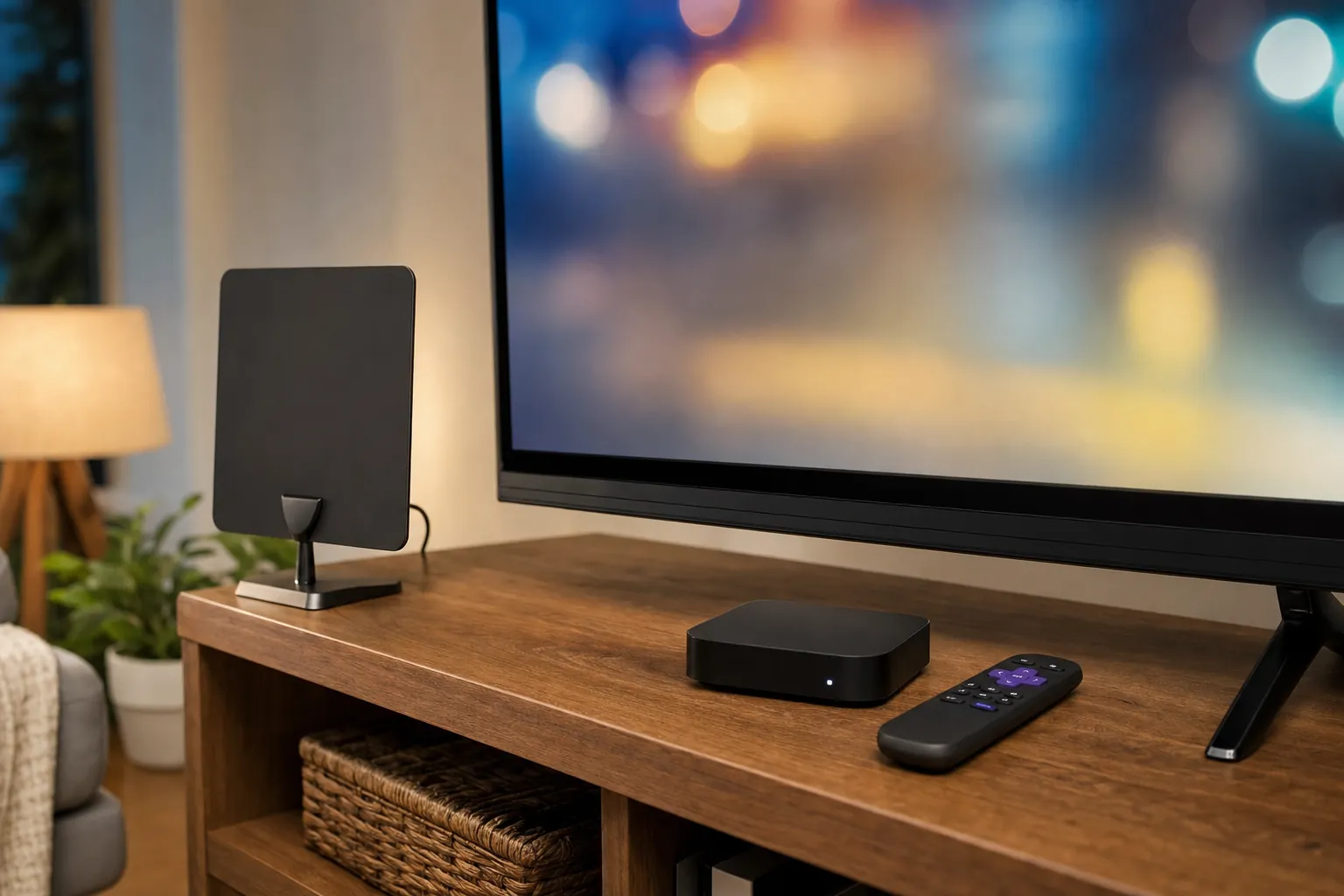
You can get local channels without a cable package. The right path depends on what you watch, where you live and whether you want the lowest ongoing cost, the widest live lineup or a mix of both.
For many households, the hardest part is not finding an option. It is avoiding a setup that looks inexpensive at first, then misses the morning news, a favorite network show or the game everyone planned around. Start with the channels you would genuinely miss. That simple list makes the rest of the decision much easier.
Start with the local channels that matter to your home
Write down the stations and live programming you use in a normal month. Include local news, weather alerts, network affiliates, sports broadcasts, weekend events and any language-specific programming your household watches. Do not rely on a generic channel list. Local availability changes by address, and a service that works well for a friend across town may not carry the same stations for you.
Then separate the list into two groups. Put essential live channels in the first group. Put shows you are happy to watch later, or would not notice missing, in the second. This is the difference between buying a solution that fits and buying a bundle that asks you to compromise after you have already paid for it.
Keep this short: Which local stations do you need? Do you watch live sports or breaking news? How many screens need access at the same time? Are you comfortable putting an antenna near a window or outside?
Option 1: Use an antenna for free over-the-air local TV
An antenna can be the most straightforward way to receive local broadcast stations without a monthly bill. It receives free over-the-air television signals that broadcasters send in your area. It is a good fit for people who primarily want major local affiliates, local news, weather and some live events, and who live where reception is strong.
The tradeoff is that results are local. Distance from broadcast towers, terrain, tall buildings, walls and antenna placement all affect what comes in. The FCC's consumer guide to antennas and digital television explains why location and setup matter, and it is worth checking that guidance before choosing an indoor or outdoor model.
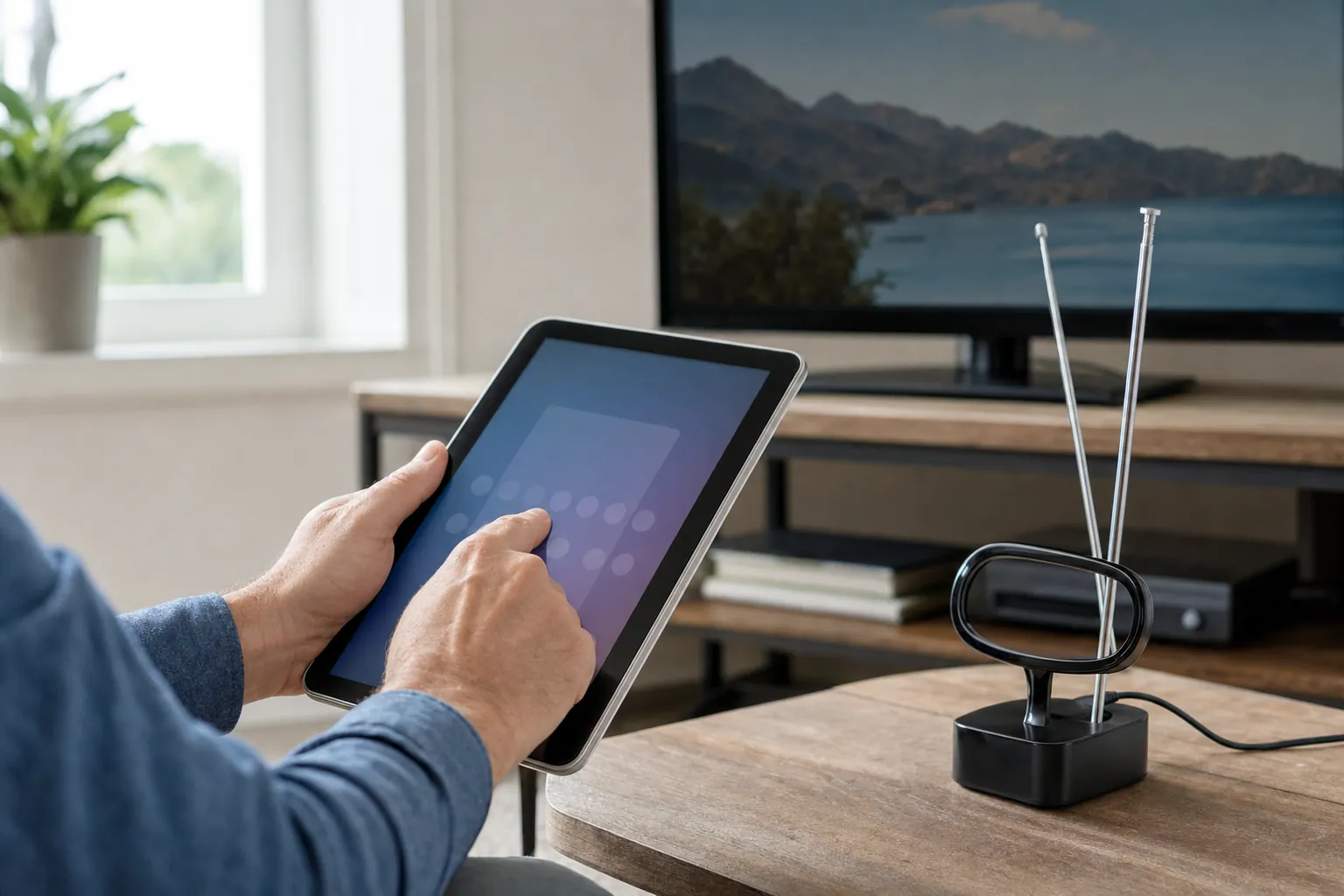
Before buying anything, use an address-based reception tool such as AntennaWeb to see which broadcast stations may be reachable from your location. Treat the result as a planning tool, not a promise. An indoor antenna is usually the easiest place to start. Put it high, near a window when possible, scan for channels, then try a few placements before deciding whether you need a stronger option.
An antenna does not replace every cable channel, every premium network or every on-demand library. It is best when local broadcasts are the priority and you want to keep monthly costs down. For more than local stations, pair it with a streaming option instead of expecting one device to solve every viewing habit.
Option 2: Choose a live TV streaming service
Live TV streaming is the better route when you want local channels alongside cable-style networks, sports, news or on-demand entertainment in one app. You use a compatible smart TV, streaming device, phone or computer, then pay for access rather than installing a traditional cable box.
This route is convenient, but local station coverage is still address-specific. Check the service's channel lookup with your ZIP code before you sign up. Look for the actual call signs and networks you care about, not just a broad claim that it includes local TV. Also check whether the plan limits simultaneous streams, which matters quickly when different rooms are watching at once.
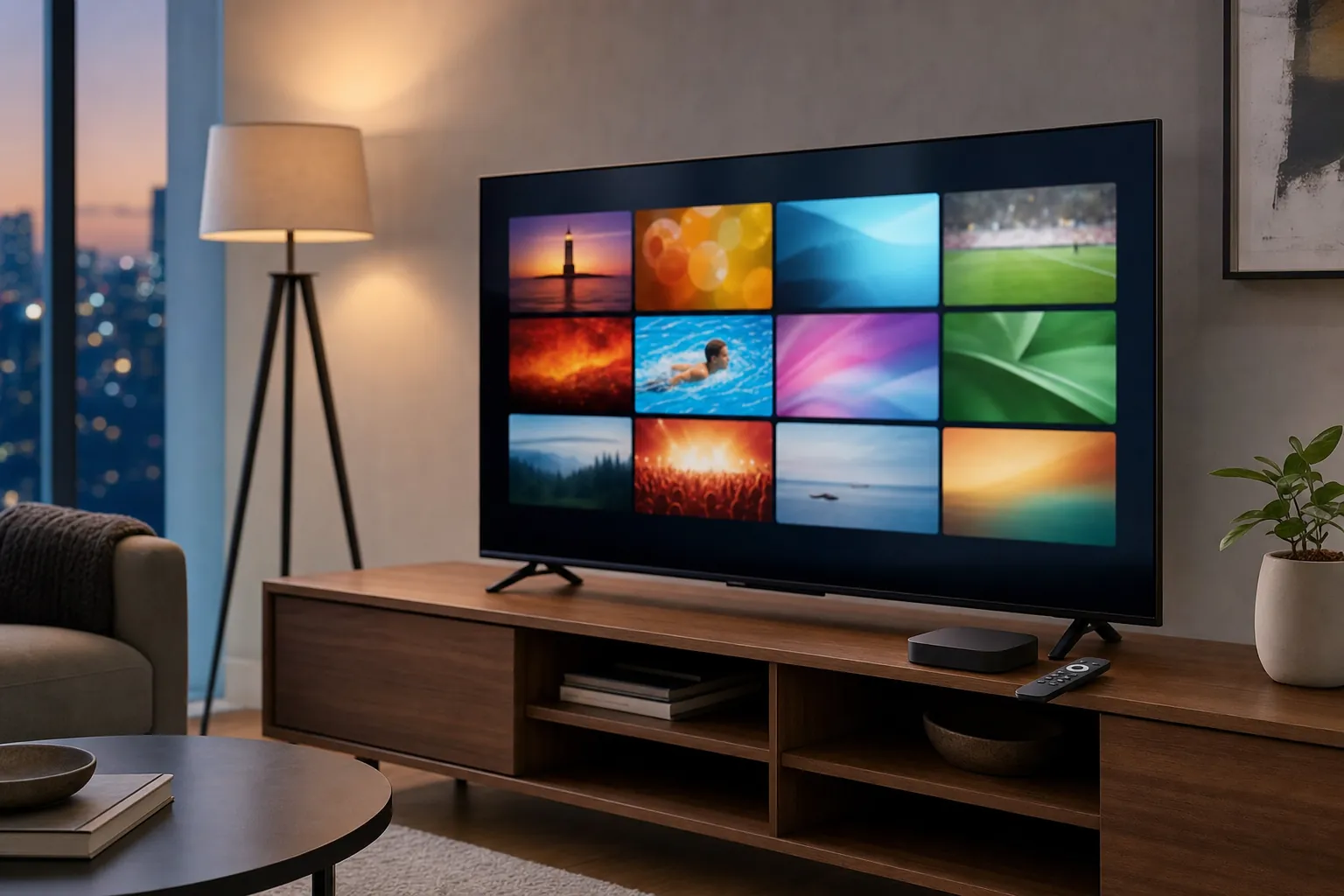
A live streaming plan can make sense when your home wants a broad mix of channels without a long-term cable contract. It can also be the right choice for people who prefer a simple app-based setup and do not have reliable antenna reception. The ongoing monthly price is the main consideration, so compare the full plan cost with the channels you will actually use. A long channel list is not a value if the important stations are missing.
If you already have a compatible device, VEHO's Infiniti TV overview shows one path for live television on screens you already own. If your priority is to compare hardware that can be part of a broader home setup, the VEHO device comparison is a useful next step.
Option 3: Combine an antenna and streaming
For many viewers, the practical answer is a hybrid setup. Use an antenna for the local stations you can receive well, then use streaming for the channels, movies and series that are not available over the air. This approach can reduce dependence on a large monthly package without asking your household to give up everything it watches.
A hybrid setup is especially useful when local news and major broadcast events matter, but so do on-demand movies, specialty channels or programs from outside your local market. It also gives you a backup when one viewing path is unavailable. If a streaming service changes its lineup, the antenna can still cover the broadcast stations it receives. If weather or building conditions make one antenna channel unreliable, your streaming option may cover the event you want.
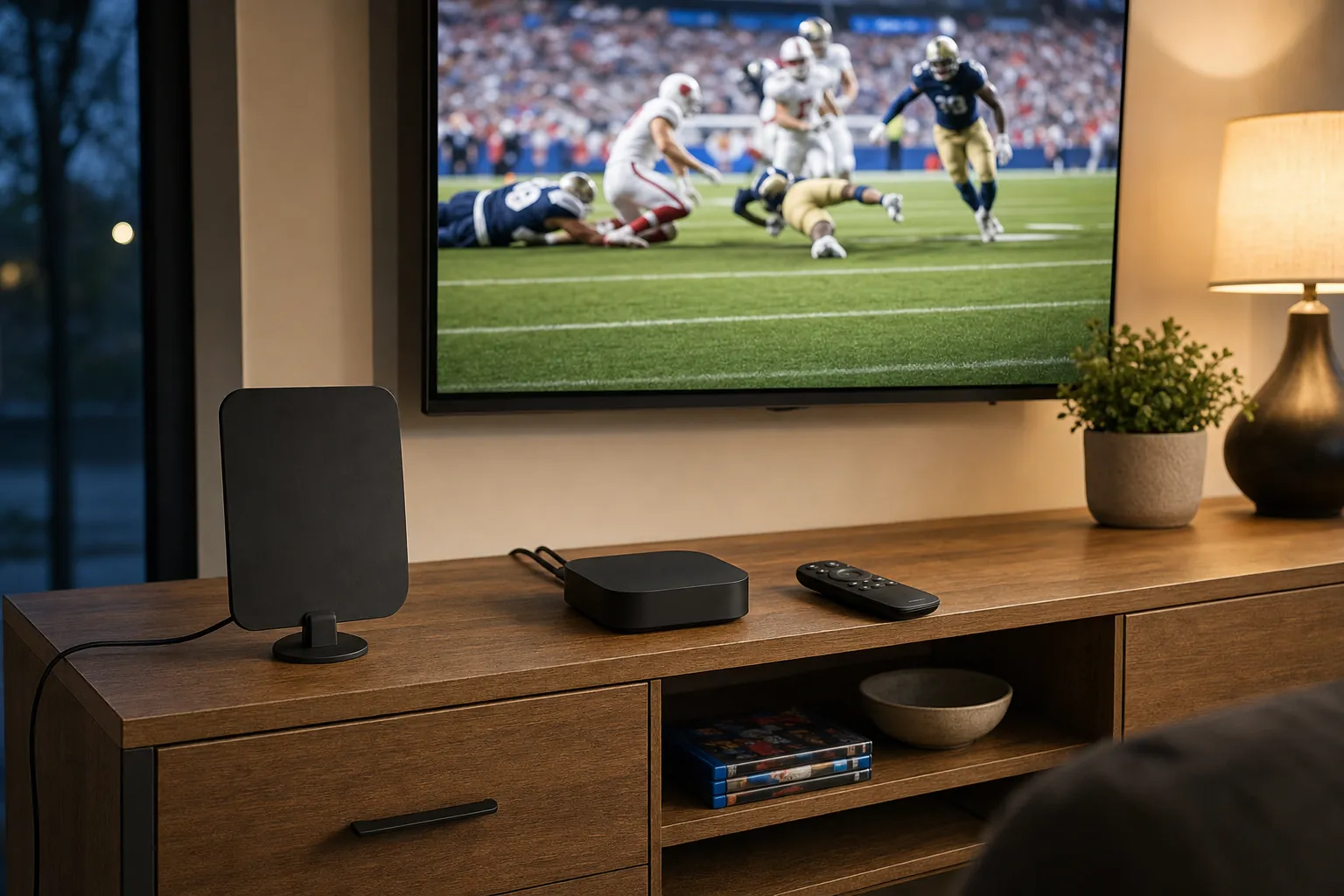
The important part is keeping the system understandable. Label the TV input for your antenna if you use one. Keep the streaming app on the home screen. Make sure everyone in the home knows where local news, live sports and on-demand shows live. A setup is only better if it makes the next thing you want to watch easier to find.
Choose the hardware after you choose the viewing plan
It is tempting to start with a device, but the better order is to settle the viewing plan first. Once you know whether you need antenna access, a live streaming service or both, you can choose the hardware that supports it. Check compatibility with your television, internet connection and number of screens before you buy.
For a single TV, a compact streaming device can be enough. For several rooms, think about how each screen will connect and whether your household needs more than one simultaneous stream. If the setup includes 4K viewing, make sure your connection has enough capacity. VEHO recommends at least 15 Mbps for HD and 25 Mbps for 4K, with strong Wi-Fi or a wired connection where possible. The VEHO questions and answers page covers the same basics in a shorter format.
It also helps to decide how much setup support you want. A low purchase price is not a bargain if the household ends up with a system no one wants to use. That is why it is worth choosing around your real screens and routines, rather than buying the first device that appears in a search result.
Four mistakes to avoid before you switch
Do not choose from price alone. A low monthly price can look great until you find out a local station, sports event or second screen costs extra. Start with the viewing list, then compare the real total cost of the options that meet it.
Do not assume every indoor antenna works the same way. Indoor antennas are easy to test, but their performance depends on the room and the address. Give placement a fair try before replacing the antenna. A higher position, a window-facing location and a fresh channel scan can change the result.
Do not skip the ZIP-code check. Streaming packages can have similar names and very different local lineups. Confirm the local affiliates before signing up, then take advantage of a trial when one is offered. This small step is more reliable than choosing from a national channel list.
Do not build a setup that only one person understands. Make the live-TV path obvious, keep the remote routine simple and choose a device your household can use comfortably. VEHO's service overview can help you compare the available setup paths, while the about VEHO page explains the kind of viewing help the team provides.
Finally, give the setup one ordinary week before you decide it is finished. Watch local news in the morning, use it during a busy evening and try the rooms your household uses most. That is the quickest way to catch a missing channel, weak signal or awkward remote step while it is still easy to adjust.
A simple way to decide
Choose an antenna first if your main goal is receiving nearby broadcast stations with no monthly local-TV bill and your address has solid reception. Choose live TV streaming first if your must-have list includes a broader range of live channels, cable networks or a familiar app experience. Choose a hybrid setup if you want to preserve local access while adding more flexibility for sports, movies and on-demand viewing.
Whichever path you choose, verify the local channels before you commit. Reception tools, channel lookups and trial options are there to prevent the most common disappointment: assuming a service covers a station that is actually unavailable at your address. Keep the confirmation email or a short note with the stations you verified, so the decision remains clear when you compare options later.
How VEHO can help
VEHO helps households sort through live TV, local programming, sports, on-demand viewing and compatible devices without making the choice feel like a research project. You can explore VEHO channel categories, see what is available on demand, or talk through your screens and viewing priorities with VEHO before choosing a direction.
Frequently asked questions
Can I get ABC, CBS, FOX, NBC and PBS without cable?
Often, yes. Those stations may be available through an antenna when they broadcast in your area, or through a live TV streaming service when the service carries the local affiliate for your address. Availability is not the same everywhere, so check reception or the service's local channel lookup first.
Do I need internet to watch local channels with an antenna?
No. An antenna receives over-the-air broadcasts directly, so it does not need an internet connection for the channels it can receive. Internet is needed for streaming services, on-demand libraries and app-based live TV.
Why does my antenna find fewer channels than someone else's?
Reception depends on your location, antenna placement, distance from broadcast towers, terrain and obstacles around your home. Moving an indoor antenna higher or closer to a window can make a difference, but some addresses need a stronger or differently placed antenna.
Is a streaming service cheaper than cable?
It can be, especially if it lets you choose only the live channels and features you actually use. Compare the total monthly price, local channel coverage, number of simultaneous streams and any add-ons before deciding. A cheaper plan that misses your essential stations is not the better value.