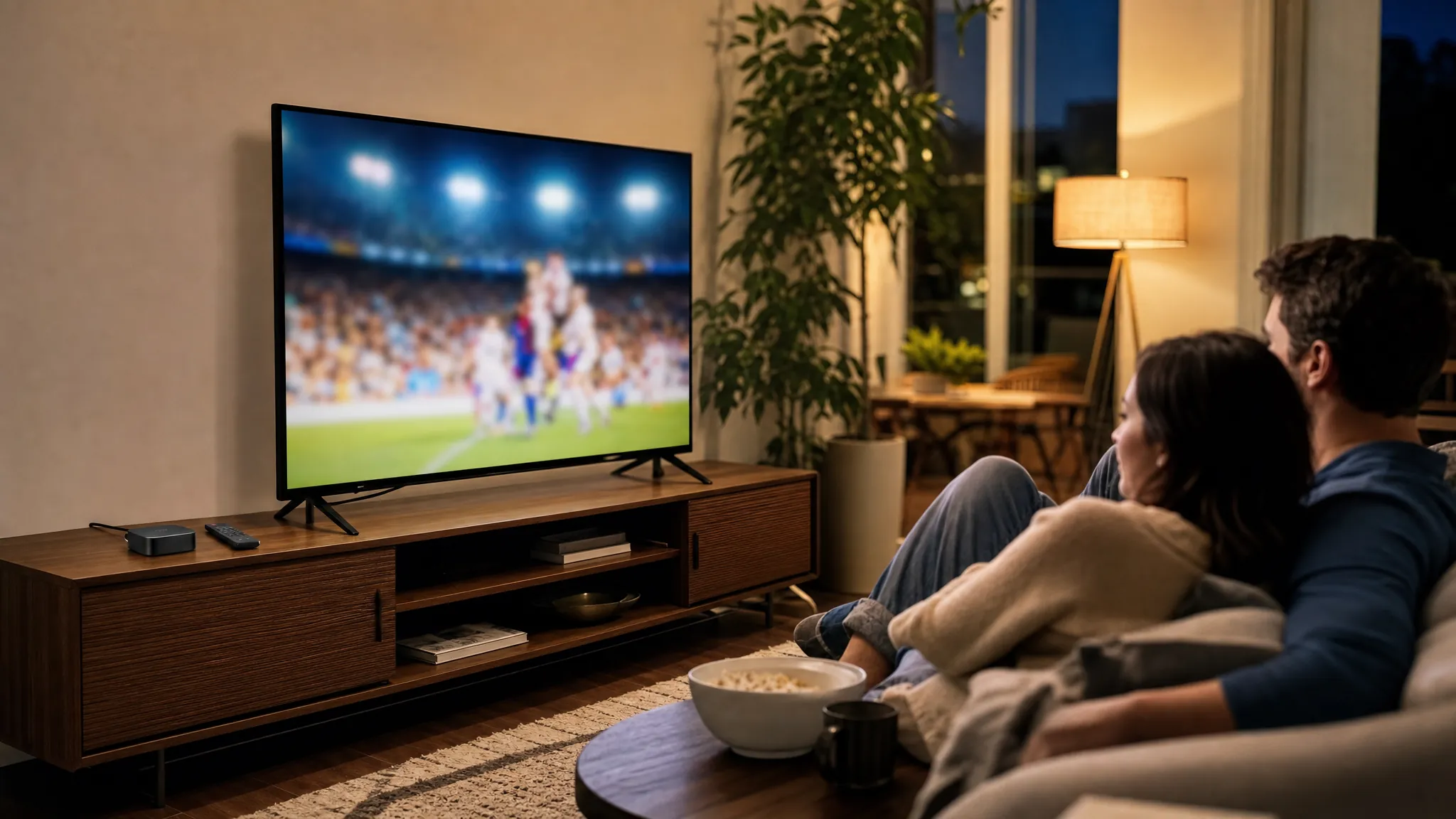
A couple watching a live sports broadcast on television in their living room.

Live TV, made easier

Live TV Streaming Service That Fits Your Home

Keep live channels, sports, news and on-demand entertainment close without building your evenings around a traditional cable box. VEHO helps you choose the service and screen setup that make sense for the way your household watches.

A better starting point

Choose around what you watch, not a giant channel list.

A live TV streaming service is a practical choice when your home wants the immediacy of live television with the flexibility to watch through the devices you already own. The key is making sure the setup covers the moments that matter: local news in the morning, a game on the weekend, a favorite network show or an easy movie night.

Start with the channels and screens you would genuinely miss. Then choose the route that fits. VEHO can help you sort out the devices, viewing habits and service details before you commit to a setup that looks good on paper but feels awkward at home.

Choose your path

Three ways to bring live TV into your home.

01

Use the screens you already own

Infiniti TV is a ready-to-go route for compatible Roku, Fire TV, Google TV, Smart TV, phone and computer setups. It works well when you want an app-based experience without buying new hardware.

See compatible-device options

02

Set up one TV with dedicated hardware

A dedicated streamer can be the simpler route when you want one clear place for live television, sports and on-demand viewing. It is a strong fit for a primary living room or a household that prefers a familiar remote routine.

Compare VEHO streamers

03

Plan for more rooms

When several screens matter, the choice is bigger than a single device. Think about where each TV lives, how many people watch at once and whether the home needs a setup that can grow beyond one room.

Talk through a whole-home setup

Is live TV streaming right for you?

It works best when live viewing still matters in your week.

Live TV streaming is a strong fit for households that still turn on the television for a game, breaking news, a morning show or the comfort of familiar networks. It gives you the live experience without a traditional cable box, while leaving room for on-demand movies and series when you want to choose the timing.

It can be especially useful when the people in your home do not all watch the same way. One person may want a local newscast, another may care about weekend sports, and someone else may mostly watch movies later in the evening. The right setup should make those routines easier without requiring a different remote strategy for every room.

There is also a difference between having a service available and having it ready when you need it. A good final setup keeps the live TV app easy to find, makes the preferred remote clear and gives each regular screen a dependable connection. Those small choices matter when the game has already started, the weather is changing quickly or guests are settling in.

Live TV streaming may be less important when your household almost never watches programs as they air and is happy with a smaller on-demand library. In that case, a simpler entertainment service may be enough. But when staying connected to live programming is part of your routine, VEHO can help you find the service and device path that keeps it easy to reach.
Before you choose

Four details that make a live TV setup feel right from day one.

1

Confirm the live channels that matter.

Local availability can vary by address. List the network affiliates, sports, news and specialty programming your household relies on, then verify the actual availability before signing up.

2

Count the screens in real use.

A household that watches in one room needs something different from a household that splits between the living room, bedroom and a weekend game in another space. Count simultaneous viewing, not just the TVs in the house.

3

Match the setup to your comfort level.

Some people prefer an app on a familiar device. Others want a dedicated streamer and remote. Either route can work well when the day-to-day experience is easy for everyone who uses it.

4

Give your connection enough room.

Live viewing needs a reliable internet connection. VEHO recommends at least 15 Mbps for HD and 25 Mbps for 4K, with strong Wi-Fi or a wired connection where possible.

A device for the way you watch

Keep the remote routine simple.

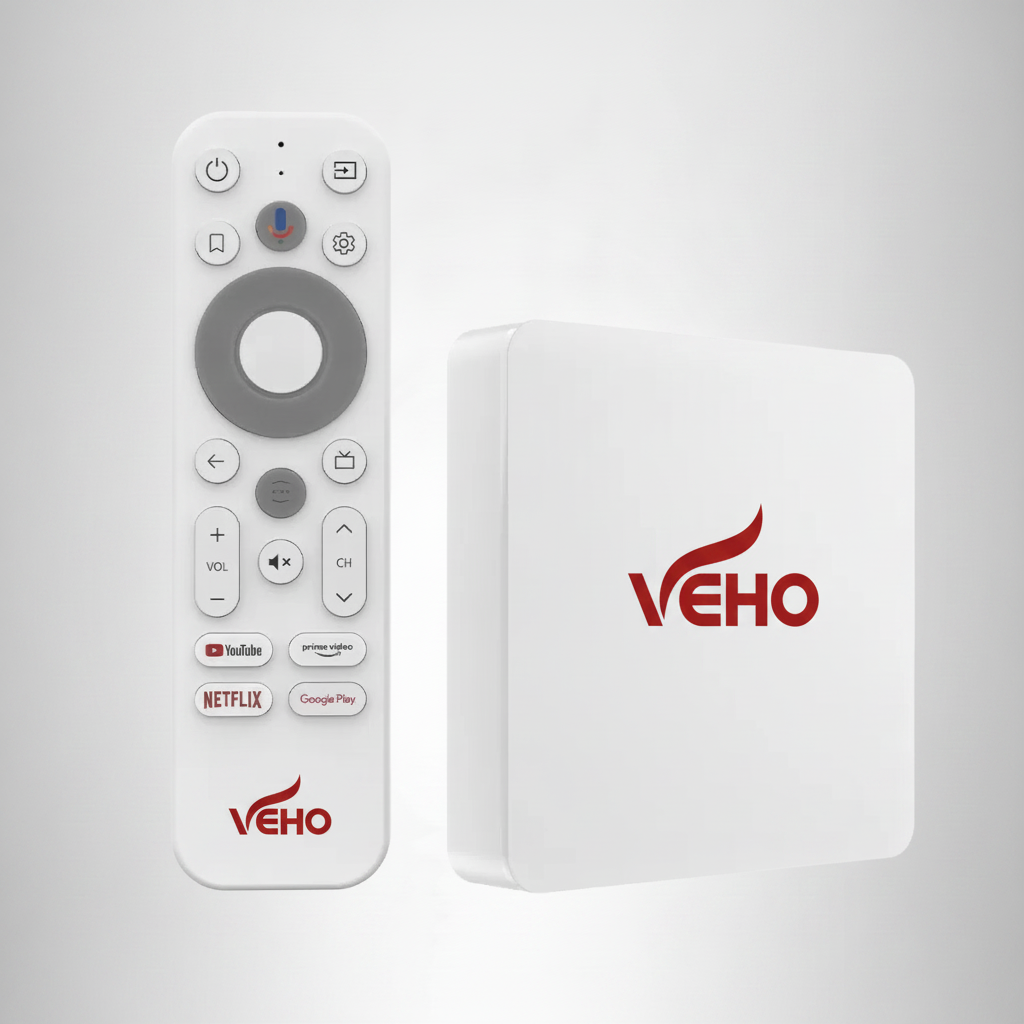
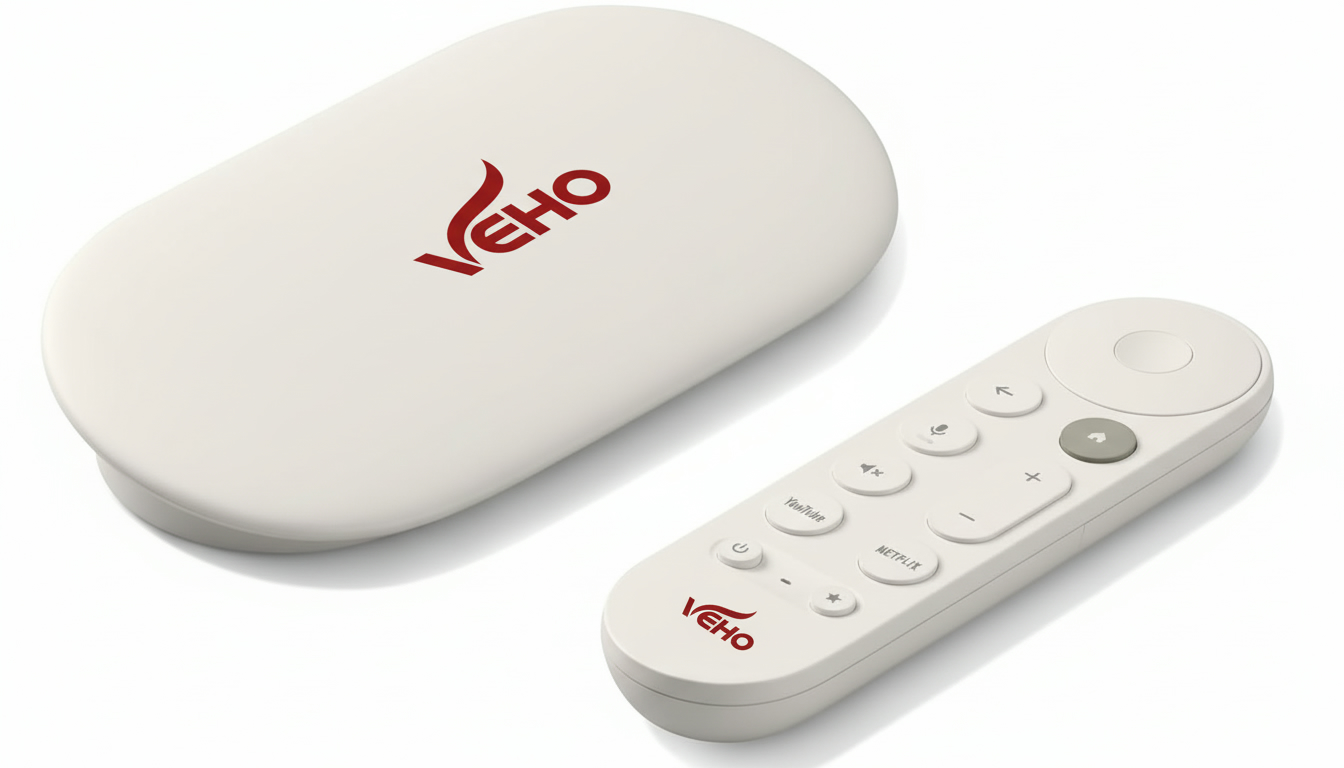
Hardware is not the first decision, but it can make the finished setup easier to live with. VEHO offers options for one screen, a more feature-rich living room experience and a setup that can reach more rooms.

Choose a dedicated device when you want the TV experience to stay in one familiar place. Choose a compatible-device service when your household is comfortable using the screens and streaming devices already at home.

Compare VEHO Devices
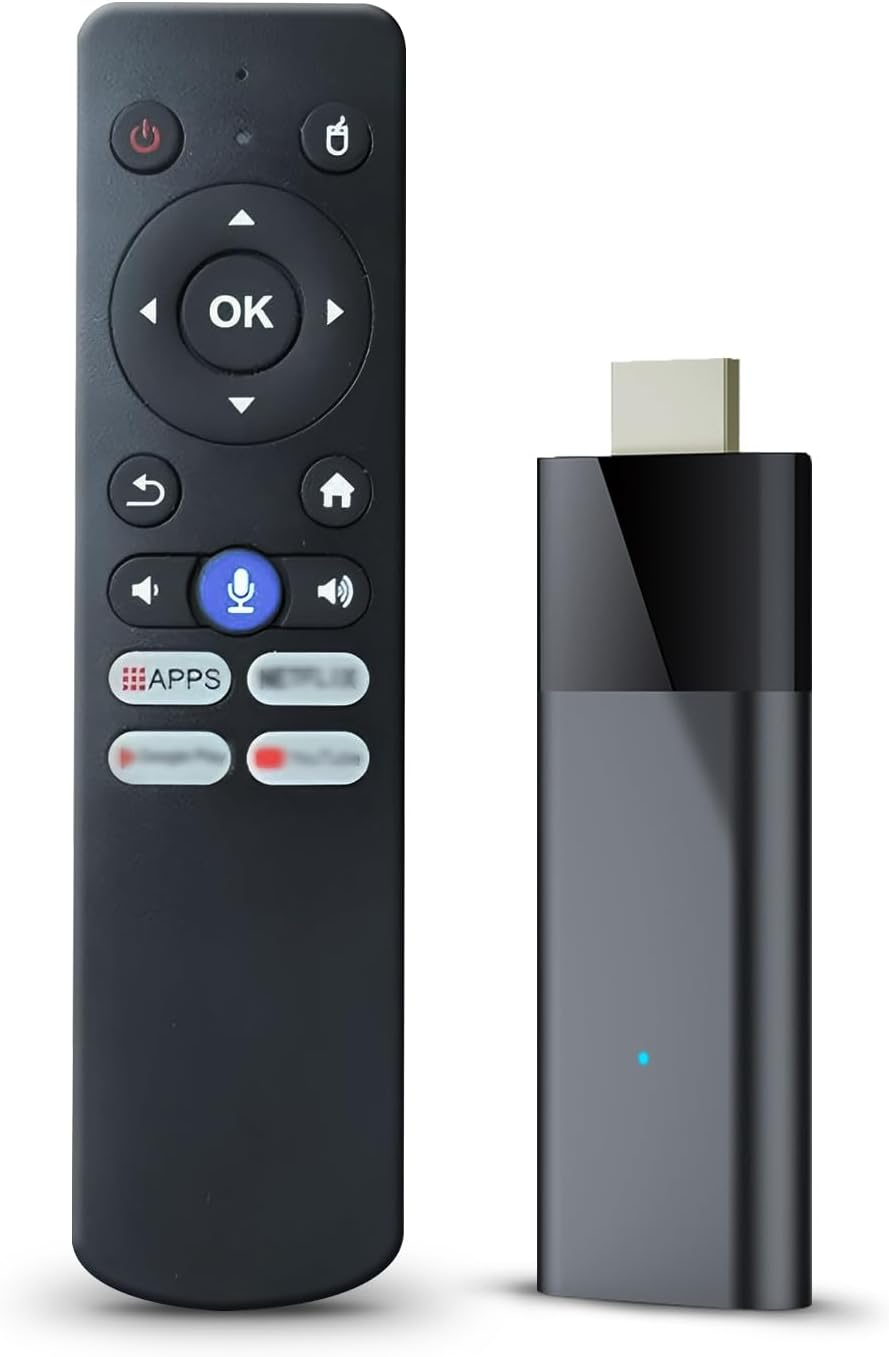
My Simply TV Stick

TV Stick

Cut the cord, keep the channels you watch every day

My Simply TV Max Core

Max Core

Max features, one TV

My Simply TV Max Whole House

Whole House

Whole-home coverage

Live TV plus more choice

Build a setup that is useful beyond the game.

Live TV is often the anchor, but most homes also want the flexibility to watch movies, series and family favorites when the schedule does not cooperate. A well-chosen setup keeps those options close without forcing everyone to jump between confusing menus and remotes.

VEHO brings together live programming, on-demand entertainment, sports, news and device options so the final decision starts with your real routine. You do not need the largest possible package. You need the setup that covers the viewing your household will actually use.

Explore channel categories
Live televisionLocal programming, news, sports and familiar network viewing.
On-demand viewingMovies and series when a live schedule does not fit your evening.
Flexible screensCompatible-device paths, dedicated streamers and whole-home options.

Frequently asked questions

Live TV streaming, without the guesswork.

Can I watch local channels with a live TV streaming service?

Local stations may be available through a live TV streaming service, but coverage depends on your address and the package you choose. Confirm the specific networks you care about before you start.

Do I need a new streaming device?

Not always. Infiniti TV is designed for compatible Roku, Fire TV, Google TV, Smart TV, phone and computer setups. A VEHO streamer can make more sense when you want a dedicated device or a larger home setup.

How much internet speed do I need for live TV?

VEHO recommends at least 15 Mbps for HD streaming and 25 Mbps for 4K streaming. Strong Wi-Fi or a wired connection helps keep live viewing steady, especially when more than one screen is in use.

Can more than one TV watch at the same time?

That depends on the service plan and the setup you choose. Before deciding, count the screens your household uses at the same time and confirm the available simultaneous viewing options.

Ready to choose?

Tell VEHO what you want to watch and where you want to watch it.

Ask VEHO