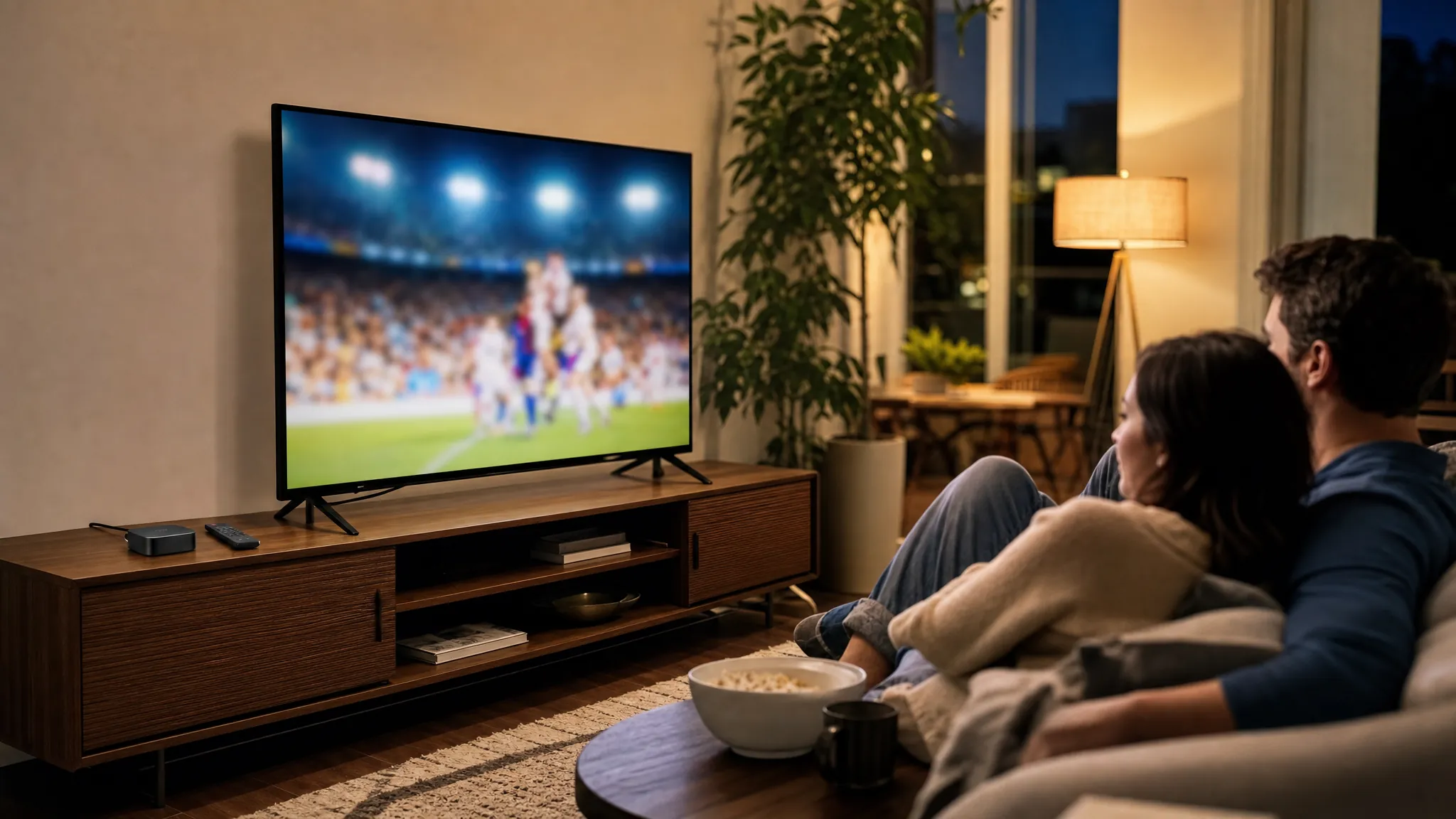
A family enjoying a live sports broadcast together in their living room.

For the whole home

Streaming Service for Multiple TVs

Give every regular screen a clear path to live TV, sports, news and on-demand entertainment. VEHO helps you choose a setup that works across more rooms without turning the living room into a pile of remotes, apps and workarounds.

More than one screen

Start with the rooms your household actually uses.

A multiple-TV setup works best when it follows real routines. Think about the living room during a game, the bedroom at the end of the day, the kitchen television during the morning news and the second screen someone uses when the main room is busy. Not every television needs the same experience, but the important ones should be easy to use.

That is why the first question is not which device to buy. Start with what needs to be available in each room. Make a short list of the live channels, sports, local programming and on-demand viewing that matter, then count how many people watch at once. Those details shape the service, screen limits and hardware that make sense for your home.

VEHO can help you line up those choices before you commit. The result should feel simple when everyone is using it, not just when the system is new and someone remembers the setup steps.

Choose the right route

Build around the rooms, screens and routines you have.

01

Use compatible devices in the rooms that are already ready

Infiniti TV is designed for compatible Roku, Fire TV, Google TV, Smart TV, phone and computer setups. It can be a practical way to bring live viewing to screens your household already understands.

Explore compatible-device viewing

02

Give the main TV a dedicated streamer

A dedicated VEHO device can make the primary room easier to use, especially when you want live television, sports and on-demand entertainment in one familiar place with a clear remote routine.

Compare dedicated streamers

03

Plan a whole-home setup from the beginning

For homes that regularly use several TVs, plan the screens together. A whole-home option can give the household a more consistent experience instead of leaving each room to become its own separate project.

Ask about whole-home options

The essentials

Four things to settle before you add another screen.

1

Count simultaneous viewing, not televisions.

Four TVs in the home does not always mean four active screens. Think about the nights when different people actually watch at the same time, then confirm that the service plan can support that routine.

2

Choose the rooms that need live TV.

Some rooms may only need movies and series, while others need local news, sports or a familiar channel guide. A setup becomes clearer when each screen has a role instead of every room getting the same expensive solution.

3

Check the connection where each TV lives.

A strong signal beside the router does not guarantee a steady picture in a back bedroom or outdoor room. Test the Wi-Fi where people watch, and use a wired connection where that is the more dependable choice.

4

Keep the experience easy for everyone.

Put the live TV app where people can find it, keep the preferred remote routine consistent and avoid a system that relies on one person to explain how each room works.

Choose the hardware second

Match each device to the job it needs to do.

The main living-room television often needs the fullest experience. A bedroom or office may simply need a dependable way to reach live TV and on-demand entertainment. VEHO offers a mix of dedicated streamers and compatible-device options so you can match the setup to each room rather than overbuilding every screen.

For a single primary TV, a compact streamer can be enough. For a larger home, a whole-home system can make more sense when several rooms should feel connected. The best choice is the one that keeps your regular viewing straightforward after the setup is complete.

See VEHO Device Options
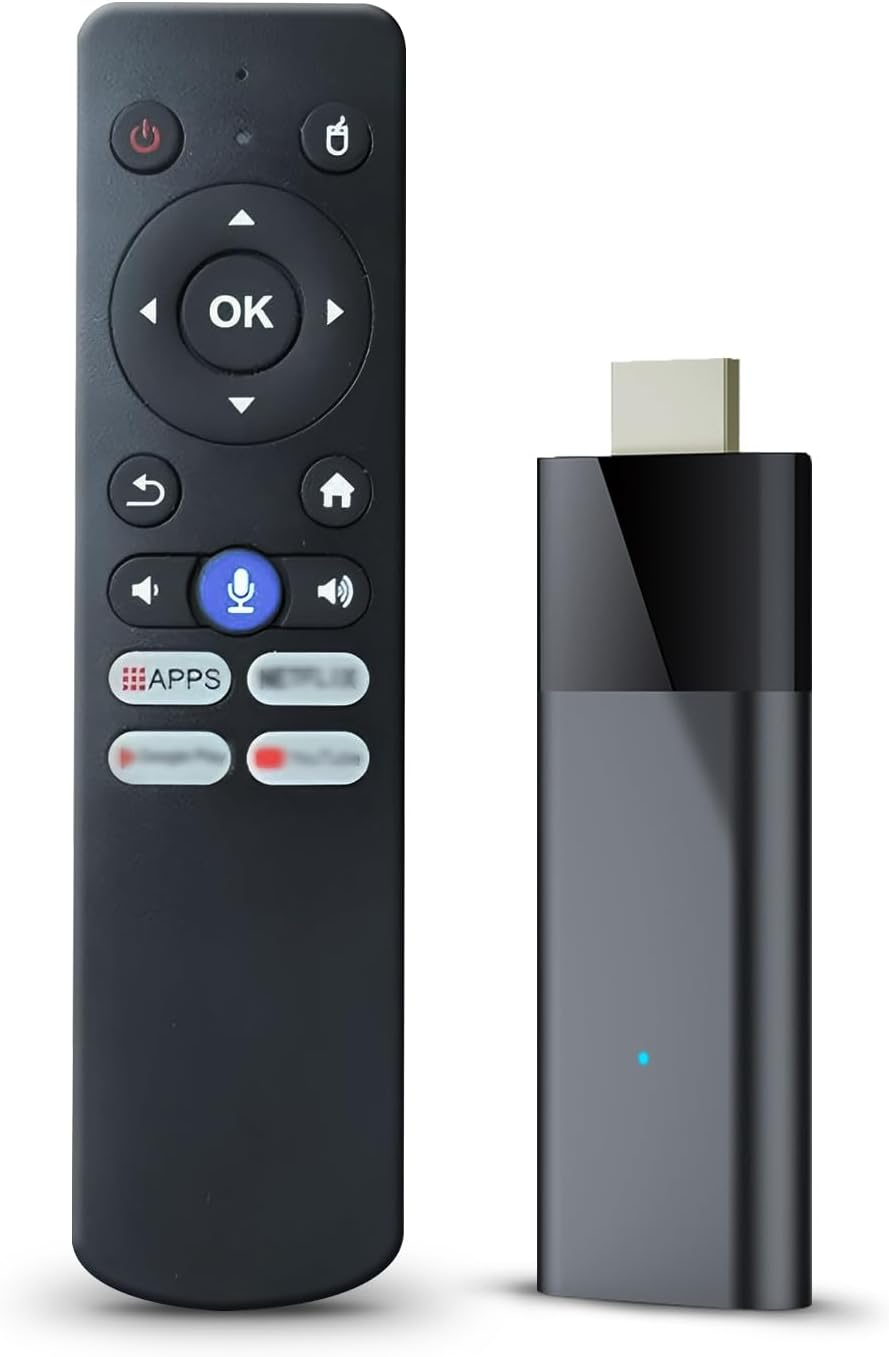
My Simply TV Stick

TV Stick

Cut the cord, keep the channels you watch every day

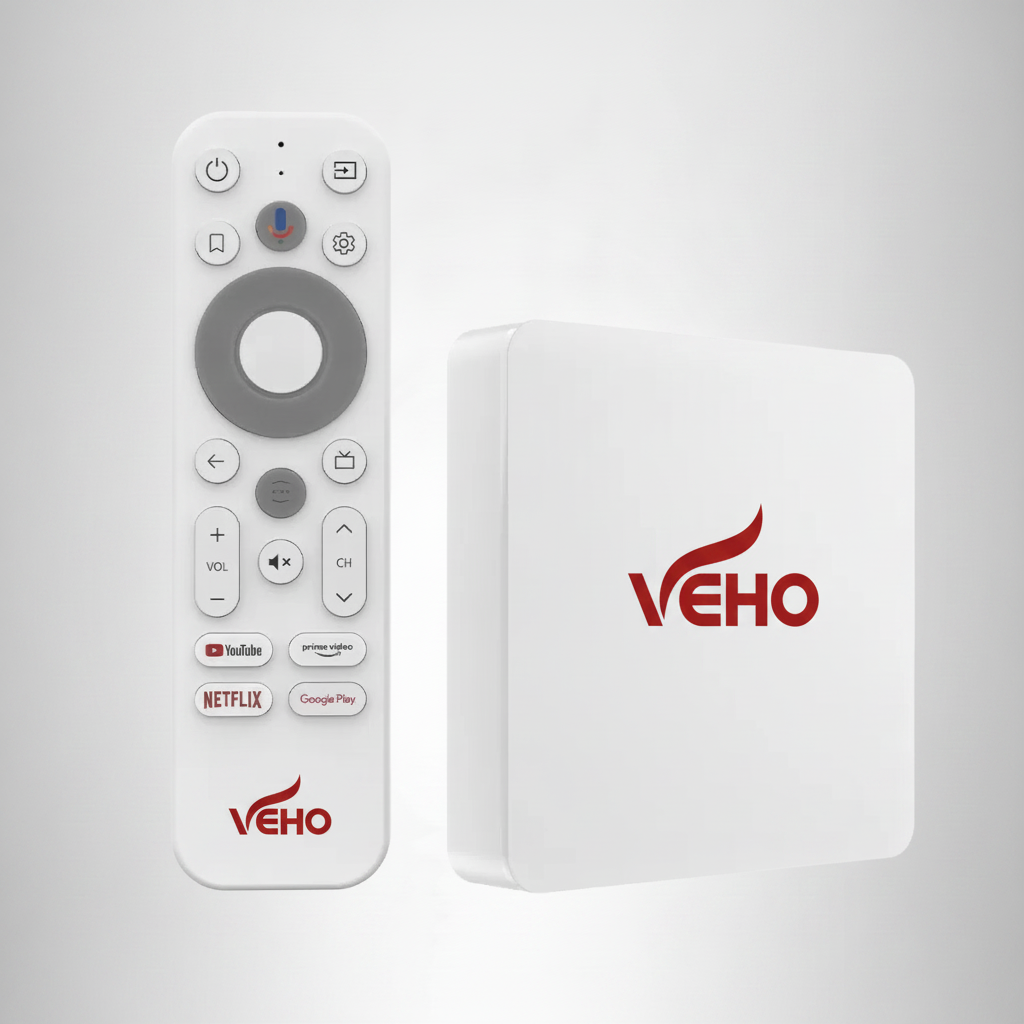
My Simply TV Max Core

Max Core

Max features, one TV

My Simply TV Max Whole House

Whole House

Whole-home coverage

Live TV across the home

Keep your must-have viewing close in every important room.

Multiple televisions become useful when the household can use them independently. That could mean local news on one screen while a game is on another, a child watching a favorite show in the family room or a movie continuing after someone leaves the main living area. The service needs to support that flexibility, but the day-to-day setup matters just as much.

Before choosing a plan, check the local stations and programming you care about at your address. Then look at the number of simultaneous streams, device compatibility and the strength of your internet connection. A long channel list is not much help if the home cannot watch the important parts of it where and when it wants.

It also pays to test the household's busiest hour before you call the setup finished. Run live TV in the main room, start another stream where someone usually watches and try the Wi-Fi in the farthest regular viewing area. That small check can reveal a weak signal, a device that needs an update or a screen limit that does not match the way your home really watches.

Keep the solution understandable after the first week. Put the most-used live TV app where it is easy to find, make sure each room has the right sign-in and decide which remote people should use. A reliable multiple-TV setup is not about adding the most hardware. It is about making the next game, show or movie feel easy to start no matter which room the household is in.

When your household includes guests, children or relatives who visit often, that simplicity becomes even more valuable. A clear home screen and a consistent way to reach live TV can save the small frustrations that make a technically capable setup feel harder than it should.

VEHO brings together local programming, news, sports, on-demand entertainment and device choices in one conversation. You do not need to force every room into the same solution. You need a setup that makes the household's usual viewing easy to reach.

Explore live TV streaming for your home

A plan that stays useful

Make the next show easy to find, in every room.

A multiple-TV setup should not create more decisions every time someone wants to watch. Keep your live TV route clear, make the important apps easy to reach and choose screen options that fit the people who use them most.

Whether you prefer compatible devices, a dedicated streamer or a larger whole-home system, VEHO can help you compare the tradeoffs before you set up the living room and then discover the other rooms need a completely different answer.

Explore VEHO channel categories
Live TV where it mattersLocal programming, sports, news and familiar channels for the rooms that need them.
On-demand for flexible nightsMovies and series when the household is not watching on the same schedule.
Room-by-room choicesCompatible devices, dedicated streamers and whole-home options that can work together.

Frequently asked questions

Multiple TVs, without the confusion.

Can one streaming service work on multiple TVs?

Yes, when the service plan and your home setup support the number of simultaneous streams you need. Check the screen limit before choosing a plan, then make sure each regular viewing area has a compatible device and reliable connection.

Do I need a separate device for every TV?

That depends on the screens you already own and the experience you want. A compatible smart TV or streaming device may be enough for some rooms, while a dedicated VEHO streamer can make sense when you want a familiar, simple TV routine.

How much internet speed does a multiple-TV setup need?

VEHO recommends at least 15 Mbps for HD streaming and 25 Mbps for 4K. A home with several active screens may need more capacity, especially when people are watching live programming at the same time.

What should I check before setting up live TV in more than one room?

Start with the channels you need, the number of people who watch at once, the devices in each room and the strength of your Wi-Fi. That gives you a clearer picture of the service and hardware that will fit your home.

Ready to plan your screens?

Tell VEHO which rooms matter most to your household.

Ask VEHO