A couple watching a local television broadcast together in their living room.

Local TV, without the cable box

Streaming Services With Local Channels

Keep the local news, network shows and live events your household actually watches, then build the rest of your setup around the screens you already use. VEHO helps you sort out the local-channel question before you commit to a plan that misses the stations that matter most.

Start with the stations you use

Local TV is personal to your address and your routine.

People looking for a streaming service with local channels are usually not searching for another giant list of apps. They want a straightforward answer to a practical question: can they still turn on the morning weather, an evening newscast, a network show or a live game without keeping a traditional cable box?

The useful starting point is not the longest possible channel lineup. It is the handful of stations and programs your household would notice first if they disappeared. Write those down, include any regional sports or local news you follow, and check availability for your address before you make a decision.

VEHO can help you match that viewing list with the right service and screen setup. That gives you a clearer path than choosing a plan first, then discovering the local programming you care about needs a different option.

Choose the route that fits

Three ways to keep local viewing close at hand.

01

Use a live TV service on the devices you already own

For a household with a compatible Roku, Fire TV, Google TV, Smart TV, phone or computer, an app-based route can be a simple place to begin. It can keep live television close without adding another box to every screen.

Explore compatible-device viewing

02

Give the main room a dedicated streamer

A dedicated VEHO streamer can make more sense when the living-room television needs a familiar remote routine and one clear place for live TV, news, sports and on-demand entertainment.

Compare VEHO streamers

03

Plan local viewing across more than one room

When local news or live programming matters on several screens, the setup needs to account for the rooms, devices and number of active viewers in the home. A plan that works in one room may not suit the whole household.

Plan a multiple-TV setup

Before you choose

Four checks that make local-channel decisions easier.

1

List the specific local stations you watch.

Start with the morning news, weather, network affiliates, regional programming and live events that are part of your week. A specific list is more useful than assuming every local channel works the same way everywhere.

2

Check availability for your address.

Local coverage can vary by location and package. Confirm the stations that matter before you start, especially when your household follows a particular local team, network affiliate or news source.

3

Choose the screens that need live TV.

A main television may need the full local-channel experience, while another room may only need movies and series. Match the setup to how each screen is actually used instead of buying the same solution for every room.

4

Make sure the connection is ready.

For steady streaming, VEHO recommends at least 15 Mbps for HD and 25 Mbps for 4K. Test the Wi-Fi where people regularly watch, because the farthest room can behave differently from the room beside the router.

Choose the device second

Put the right local-TV experience on the screens that matter.

Once you know which local programming you want to keep, the hardware choice becomes easier. Infiniti TV can be a practical option when compatible devices are already in place. A dedicated streamer can simplify the primary television when you want a familiar, ready-to-use path into live TV and on-demand entertainment.

For a larger household, it is worth deciding which rooms need live local viewing at the same time. VEHO offers compatible-device, single-screen and whole-home options, so the setup can match the actual role each television has in the home.

See VEHO Device Options
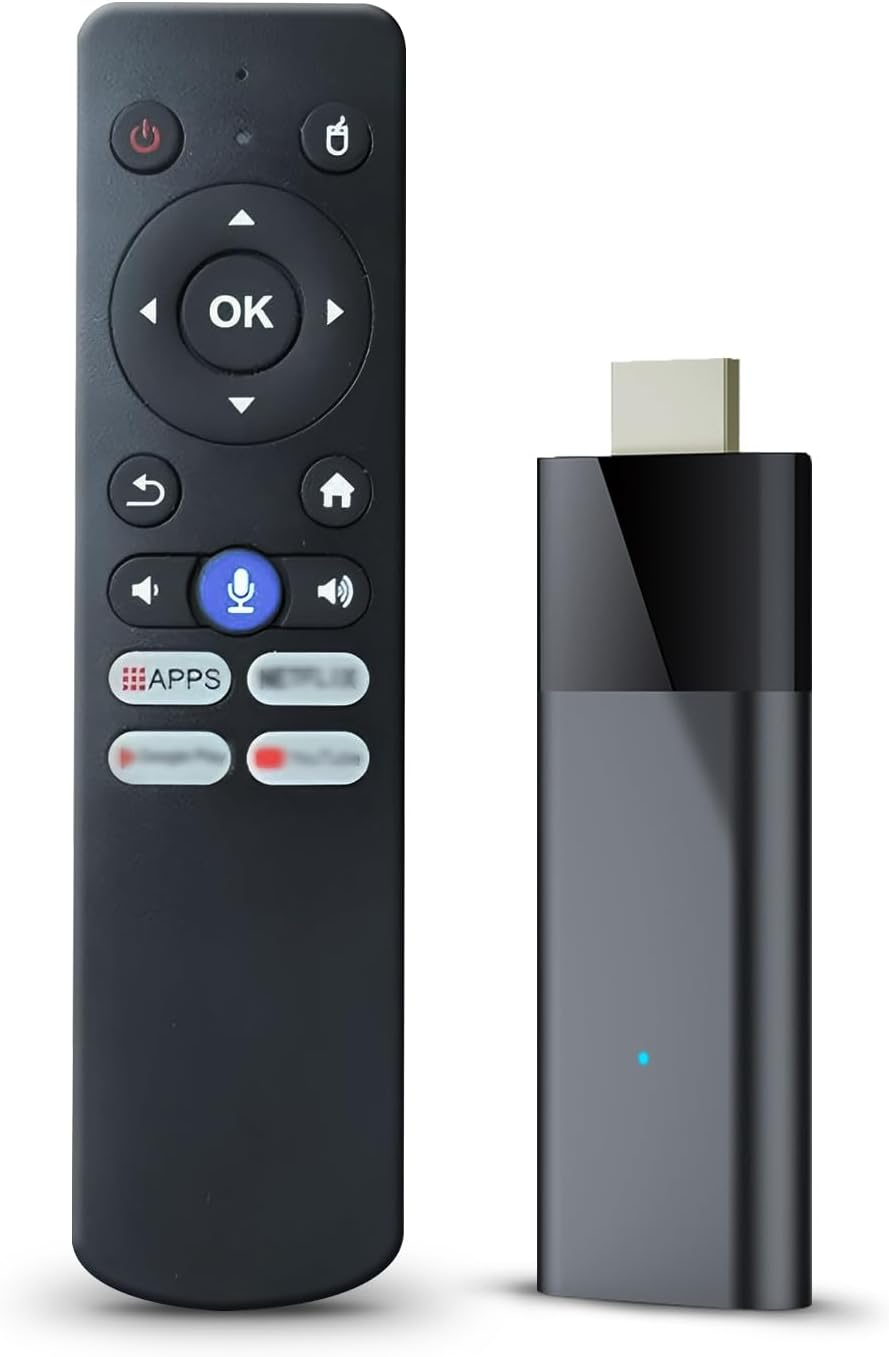
My Simply TV Stick

TV Stick

Cut the cord, keep the channels you watch every day

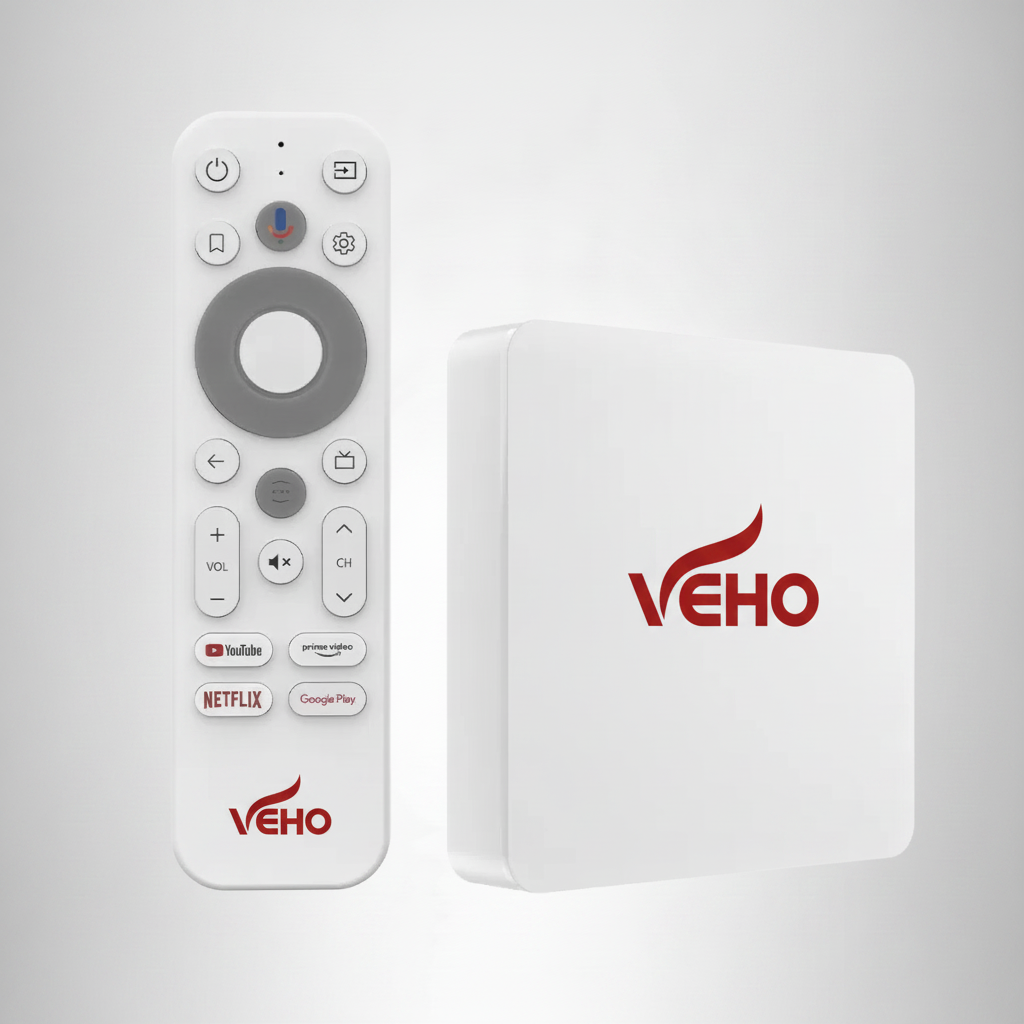
My Simply TV Max Core

Max Core

Max features, one TV

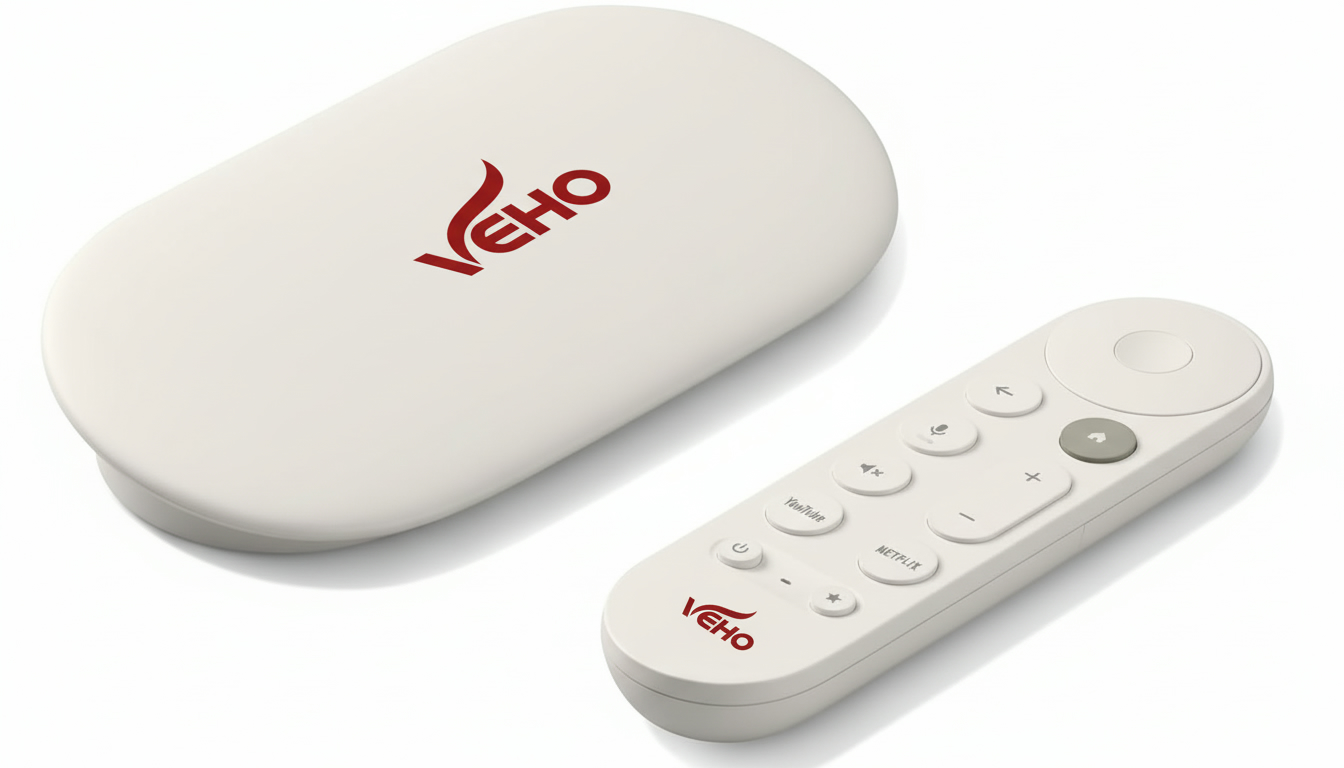
My Simply TV Max Whole House

Whole House

Whole-home coverage

A setup that stays useful

Make the local shows and live moments easy to reach.

Local channels matter most when they are easy to find on an ordinary day. The best setup is one where the person who wants the news can reach it without needing an explanation, the person who follows a game can find the right live route, and everyone else can still settle into their regular shows and movies.

That is why a thoughtful setup can be more valuable than a long channel list. Keep the live TV app in a predictable place, make the preferred remote routine clear, and choose a plan that suits the number of people who really watch at once. Small decisions like these are what make streaming feel simpler after the first week.

An antenna may remain a helpful separate option for some homes that want over-the-air broadcast reception. A streaming setup can be the stronger fit when you also want live channels, on-demand entertainment and flexible viewing through the devices you already use. VEHO can help you talk through those choices without forcing every home into the same answer.

When you are ready, bring VEHO the local stations, sports, news or network programming you care about most. That conversation makes it easier to confirm availability and choose a route that works for your home before you buy hardware or begin a new plan.

Explore live TV streaming for your home

Keep the options clear

Choose around what your household wants to watch.

VEHO brings local programming, news, sports, on-demand entertainment and device choices into one straightforward decision. Instead of guessing based on a generic channel list, you can choose around the people, screens and viewing habits in your own home.

Whether you use compatible devices, a dedicated streamer or a whole-home system, the goal is the same: make the local viewing you care about simple to reach when it is time to watch.

Talk through your local TV setup
Local programming that fits your addressCheck the specific local stations and network affiliates your household wants before choosing a service.
Live TV for the moments that matterKeep the news, live events and familiar channels close without building your routine around a cable box.
Screen options that work togetherUse compatible devices, dedicated streamers or whole-home options according to the rooms and routines in your home.

Frequently asked questions

Local channels, with a clearer plan.

Can a streaming service include my local channels?

Local station availability depends on your address and the service you choose. Before you sign up, make a short list of the network affiliates, local news and regional programming you want, then ask VEHO to help confirm the right path for your home.

Do I need an antenna to watch local channels?

Not always. A live TV streaming option may provide local stations through your internet connection, depending on your address and package. An antenna can still be useful for some households, especially as a separate backup for over-the-air broadcast reception.

Will my smart TV or streaming device work?

Infiniti TV is designed for compatible Roku, Fire TV, Google TV, Smart TV, phone and computer setups. If the screens you own are not the best fit, a VEHO streamer can give a primary television a more dedicated setup.

Can I watch local TV in more than one room?

It depends on the plan, the available simultaneous screens and the way your household watches. Count the screens that are active at the same time, then choose a setup that fits those real routines instead of just the number of televisions in the home.

Ready to check your local options?

Tell VEHO which channels your household wants to keep.

Ask VEHO