You can watch local TV online, but the right approach depends on the stations you want, the screens in your home and whether live programming needs to work in more than one room. Start with the local viewing you would notice missing, then choose the simplest path that reliably covers it.
For many households, "local TV online" means more than finding one app. It means keeping the morning weather, an evening newscast, a network show or a live event within easy reach without returning to a traditional cable box. The practical answer is usually a combination of an address check, a compatible device and a plan that makes sense for the people who actually use the television.
Step 1: Make a short list of the local viewing that matters
Before comparing services, write down the local programming your household watches in an ordinary month. Include local news, weather coverage, network affiliates, regional events, national games carried by a local station and any shows that are easier to watch live. Keep the list specific. "Local channels" can mean very different things to two households in the same city.
Next, sort the list by importance. Put the channels that need to be live in one group. Put the programs you could watch later, replace with another source or simply skip in a second group. That distinction keeps you from paying for a large lineup that still misses the one station everyone asks for when the weather changes or a game starts.
Start here: Which local stations do you use each week? Does anyone depend on live news or sports? Which rooms need access at the same time? Would your household prefer an app on a familiar device or one dedicated remote routine?
Step 2: Check local availability before you choose a service
Local television is tied to your address. A national network name on a service page does not guarantee the local affiliate you want will be available in your market. Use each provider's location check, then look for the actual station names and call signs on your list. Do this before a trial ends, before a device is purchased and before you build a new household routine around a channel that may not be included.
Write down what each option confirms: the local stations available, the number of simultaneous streams, the devices it supports and whether a particular channel needs an add-on. A short comparison note is more useful than trying to remember several nearly identical lineups later. It also gives you something concrete to ask about if you want help sorting through the choices.

There is still a place for free broadcast television in some homes. If you are open to an antenna as a backup for nearby stations, AntennaWeb's address lookup can show which over-the-air stations may be reachable where you live. The FCC's antenna guide is also useful context on why reception changes with distance, terrain, building materials and placement.
Step 3: Choose the online path that fits how you watch
A live TV streaming service is usually the clearest online option when you want local affiliates alongside live news, sports, cable-style channels and on-demand entertainment. It runs through an app on a compatible smart TV, streaming device, phone or computer. The appeal is simple: live programming can live beside the rest of the entertainment your household already uses, without a traditional cable installation.
That does not make every service the same. Some homes care most about the local affiliates. Others need a specific sports channel, a particular number of active screens or a device that a less technical family member can use comfortably. The best fit is not the plan with the longest list. It is the one that covers your must-have viewing with the fewest compromises.
If your household already uses compatible screens, VEHO's Infiniti TV overview explains the app-based path for Roku, Fire TV, Google TV, smart TV, phone and computer setups. If the main television would be easier with a dedicated streamer and one familiar remote, compare the options on VEHO's device page after the local-channel plan is clear.

Step 4: Decide whether an antenna should be part of the plan
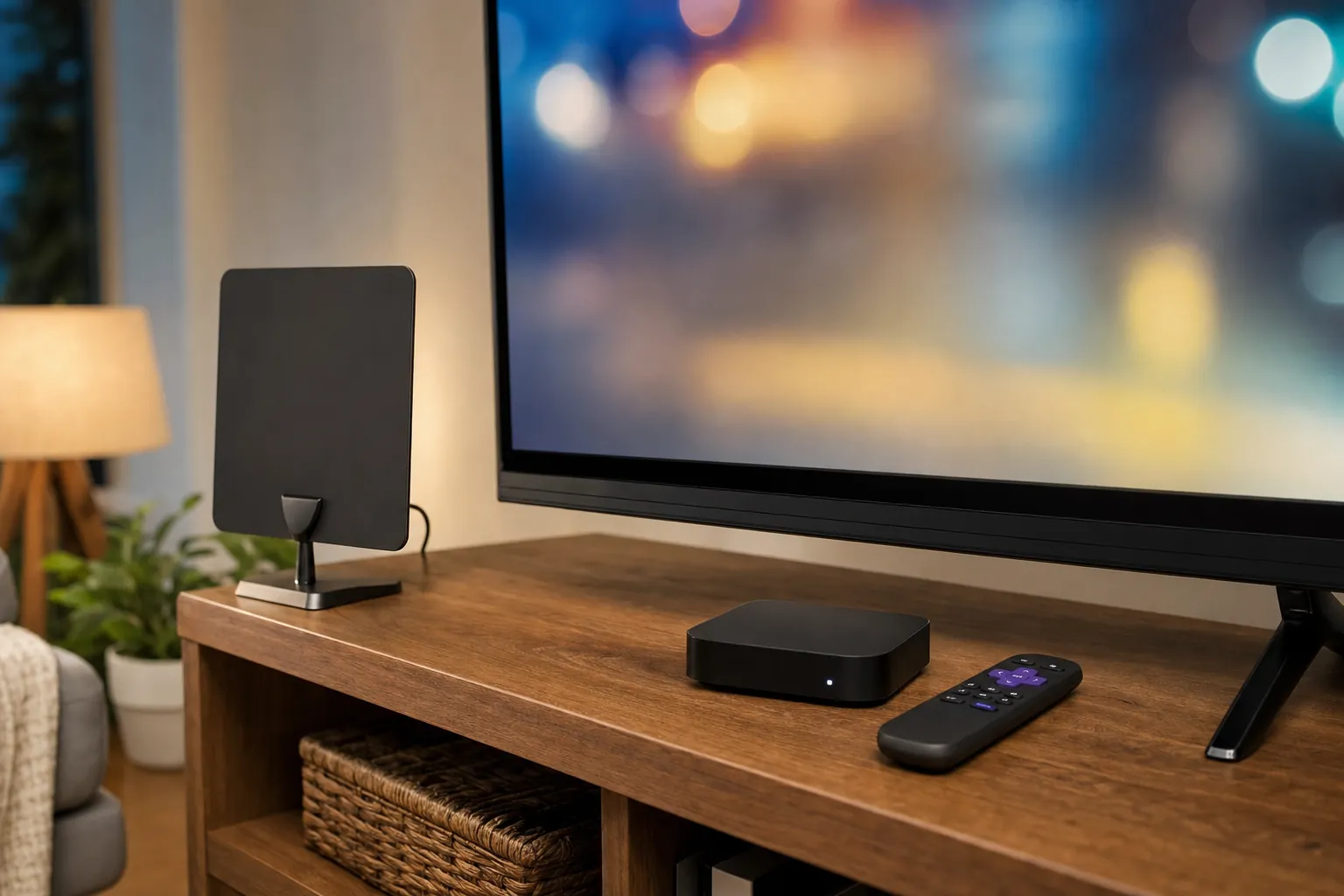
Watching local TV online does not mean an antenna is automatically off the table. An antenna can be a useful separate path when nearby broadcast stations are important and reception is practical at your address. It does not use the internet for the channels it receives, so it can give a household a straightforward way to reach local broadcasts while streaming covers the rest.
The tradeoff is that reception is not identical from one home to the next. Before buying equipment, check the predicted stations for your address, then remember that walls, windows, tall buildings, terrain and placement affect the result. An indoor antenna is often the easiest way to test the idea. Try it high and near a window when possible, scan for channels and test more than one spot before deciding that it cannot work in your home.
An antenna is best treated as one part of the viewing plan, not a universal replacement for a live TV service. It may cover nearby news and broadcast affiliates, while streaming handles the other live channels, movies and series your household wants. VEHO's guide to getting local channels without cable walks through that antenna, streaming and hybrid decision in more detail.
Step 5: Make sure the screens and connection can keep up
Once you know what you want to watch online, check the practical setup. Start with the screen that matters most. Is the television compatible with the app you plan to use? Is its interface still quick enough to be comfortable? Does the Wi-Fi reach that room reliably? A household can have the right plan and still end up frustrated if the main screen takes too many steps to reach live TV.
For streaming, VEHO recommends at least 15 Mbps for HD and 25 Mbps for 4K, with strong Wi-Fi or a wired connection where possible. Test during the times your home is busiest, not only when one person is casually watching. Open the live TV app, start another stream in a second room and try the screen farthest from the router. That is where weak coverage and limits on simultaneous viewing become obvious.
If you are using a smart TV, do not assume the screen itself solves the local-channel question. A smart TV gives you a place for apps, and some models can also connect to an antenna, but you still need the right viewing path for your address. VEHO's guide to getting local channels on a smart TV breaks down what the television can do, what a streaming service adds and where an antenna fits.
Step 6: Plan for the rooms that actually watch live TV
A home with one main TV has a different decision from a home where local news, sports or live events need to work across several screens. Count simultaneous use, not just the number of televisions. A second bedroom screen may only need on-demand movies, while the living room and kitchen need live local TV at the same time. A plan that works perfectly for one screen can feel limited as soon as the household settles into a normal evening.

Check the number of streams included with the service, then look at the places where the household genuinely watches. If more than one room needs live programming, a clearer multi-screen plan is worth deciding early. VEHO's multiple-TV guide can help you think through the screens, connection and device choices before the setup starts to feel patched together.
Common mistakes when watching local TV online
Choosing from a national channel list. A national network listing can sound reassuring, but the local affiliate is what matters. Confirm it by address before you sign up or buy any hardware.
Starting with a device instead of the viewing plan. A streaming device can make the experience easier, but it cannot make a missing local station appear. Decide how you will receive the channels first, then choose hardware that supports that answer.
Ignoring the second screen. A plan may feel great until a family member wants local news in one room while someone else watches live sports in another. Count the real overlaps in your viewing routine.
Assuming an antenna will work the same in every room. Antenna reception is local and placement-sensitive. Check the address, test thoughtfully and use streaming as the primary route when the household needs a broader, more predictable live lineup.
A simple order for making the decision
Start with the stations and live moments you would miss. Then check what is actually available at your address, including the number of screens each plan supports. After that, decide whether an antenna could be a useful backup for nearby broadcasts. Only then choose the television, compatible device or dedicated streamer that makes the finished setup easy to use.
This order prevents the common frustration of buying a device first and discovering later that the service, local affiliate or number of simultaneous streams does not fit the household. It also makes comparison easier because every option is judged against the same short list of needs. The goal is not to build the biggest possible TV package. It is to make the local viewing that matters easy to reach when someone wants it.
How VEHO can help
VEHO helps households turn a vague local-TV question into a setup that fits the screens, channels and routines that matter at home. That can mean an app-based service on compatible devices, a dedicated streamer for the main room, a plan for more than one TV or a thoughtful mix that includes an antenna where it makes sense.
Start with VEHO's local-channel streaming page to compare the main questions, browse the available channel categories or talk through your household's local TV and streaming needs with VEHO. Bring the stations and rooms that matter, and choose around the way you actually watch.
Frequently asked questions
Can I watch local TV online without cable?
Yes. A live TV streaming service can carry local affiliates through the internet when it offers those stations for your address. You can also use an antenna for nearby broadcast stations when reception is practical, then use streaming for the rest of your live and on-demand viewing.
How do I know which local channels I can watch online?
Use each service's address or ZIP-code availability check and confirm the actual local station names before choosing a plan. A national network name does not always mean the local affiliate you watch is included in your market.
Do I need a smart TV to watch local TV online?
No. You can watch through a compatible streaming device, smart TV, phone or computer, depending on the service. The important part is choosing a device and connection that make live TV easy to reach in the rooms where you watch.
Can I watch local TV online on more than one screen?
Often, yes. Check how many simultaneous streams a plan allows, then test the Wi-Fi in the rooms that will use live TV at the same time. The number of televisions matters less than the number of people who watch at once.