Basic TV channels can mean different things in different homes. For some people, it means local news and the major broadcast networks. For others, it means a dependable mix of live sports, weather and familiar shows without paying for a huge cable package. The right setup starts with the channels you would genuinely miss.
There is no single package that makes sense for every household. Your local stations, television, internet connection and the number of screens in use all shape the answer. Start with a short list of must-have viewing, then choose the simplest path that covers it consistently.
Start by defining the channels you actually need
Before looking at antennas, streaming services or devices, write down what “basic channels” means in your home. Include local ABC, CBS, FOX, NBC and PBS affiliates if you watch them, along with local news, weather alerts, live sports and the shows you prefer to see when they air. Then separate those essentials from channels that would be nice to have but are not worth building the whole plan around.
This protects you from a common mistake: comparing long channel lists instead of checking whether the important station is there. Local television is tied to your location. The affiliate available to a friend may not be the one that serves your address, and a national network name alone does not confirm the local station you need.
Make a quick list: Which local stations matter? Do you need live news or sports? Which rooms watch at the same time? Would you rather use an antenna, an app or a combination of both?
Option 1: Use an antenna for nearby broadcast channels
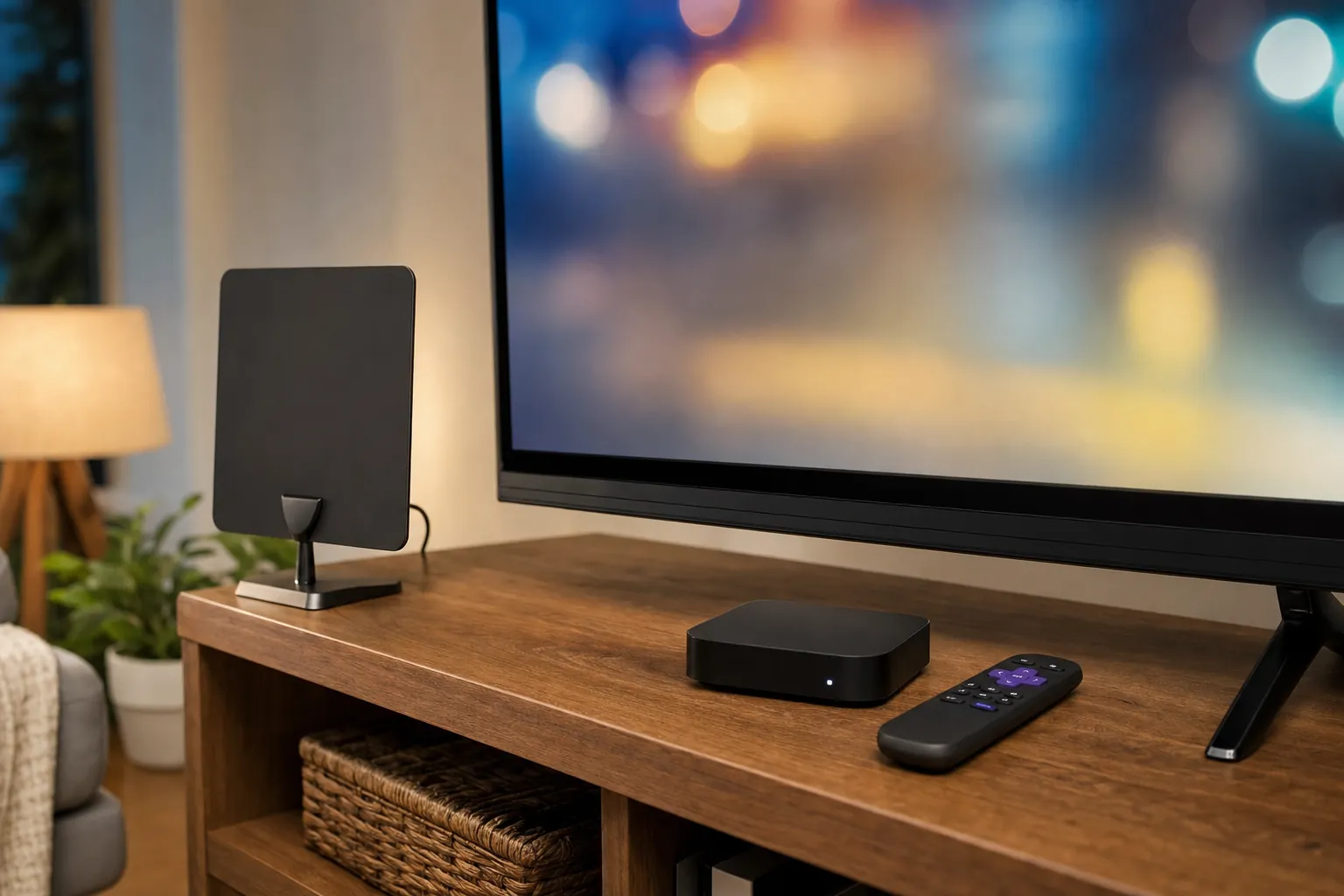
An antenna is the most direct way to receive local broadcast television without a monthly charge. It can be a good fit when your priority is the major local networks, weather coverage and broadcast events. The antenna connects to the television, receives over-the-air signals available in your area and lets you scan for channels through the TV menu.
Reception is not identical from one address to the next. Distance from broadcast towers, terrain, tall buildings, walls and antenna placement all affect what comes in. The FCC's guide to antennas and digital television explains why a signal check is worth doing before choosing equipment. Start with an address lookup through AntennaWeb, then treat the result as a useful planning guide rather than a guarantee.

For an indoor antenna, begin high and near a window when practical. Connect it to the TV's antenna or coaxial input, choose the TV source and run a channel scan. If the list is short or unstable, try another position and scan again. Placement often matters more than the range printed on a box. An outdoor antenna may help in some homes, but it is a larger installation decision and should only follow a realistic look at local reception.
An antenna is not designed to replace every cable channel or on-demand library. It is the right choice when nearby broadcast channels are enough, or when you want local TV as one reliable part of a broader setup. VEHO's guide to getting local channels without cable explains how an antenna can work alongside streaming.
Option 2: Use a live TV streaming service
A live TV streaming service is often the clearer path when your basic channel list includes local affiliates plus cable-style news, sports or entertainment. Instead of a traditional cable box, you use an app on a compatible smart TV, streaming device, phone or computer. The service can bring live programming and on-demand viewing into the same routine.
The crucial step is confirming local availability before you sign up. Use the provider's ZIP-code or address lookup, then look for the actual station names on your list. Also check the number of simultaneous streams, the devices it supports and whether a particular channel requires an add-on. A plan can look inexpensive until a second screen or a must-have station changes the real cost.

Streaming makes particular sense when reception is difficult at your home or the household wants more than local broadcasts. It also keeps the routine familiar for people who prefer a channel guide and live programming in one place. For a closer look at this route, VEHO's streaming services with local channels guide walks through the channel, device and multiple-screen questions worth checking.
Internet quality matters here. VEHO recommends at least 15 Mbps for HD and 25 Mbps for 4K, with strong Wi-Fi or a wired connection where possible. Test the rooms that will really be used during a busy evening. One screen may work perfectly while a second live stream reveals weak coverage or a plan limit you had not considered.
Option 3: Combine an antenna and streaming
A hybrid setup gives many households the most flexibility. Use an antenna for the local broadcast stations you can receive well, then use streaming for the channels, movies and series that are not available over the air. This can reduce dependence on a large package without asking everyone in the home to give up their usual viewing.
The value is not simply having more options. It is having a backup plan for the live programming that matters. An antenna can cover nearby local stations independently of your internet connection, while streaming covers the broader lineup and on-demand library. The best version is simple enough that everyone knows where to find the morning news, a live game or a favorite show.

Start by using the antenna for what it receives reliably. Then decide whether streaming fills a real gap or merely adds channels no one will use. This approach is especially useful when the local networks are important but the household also wants specialty sports, movie channels or a better option for additional rooms.
Choose the device after you choose the viewing path
It is easy to start by shopping for a streaming stick or a new television, but that reverses the decision. A device can make a setup easier to use. It cannot create a missing local affiliate, improve weak antenna reception or add more simultaneous streams to a plan. Decide how the channels will reach the home first, then choose the hardware that supports that answer.
If you already have a compatible smart TV, an app-based service may be all you need. If the TV is older or its apps feel slow, a dedicated device can make daily viewing much simpler. VEHO's Infiniti TV overview covers viewing on compatible screens, while the VEHO device options can help compare a one-TV arrangement with a larger home setup.
For more than one television, count the people who watch live TV at the same time, not only the number of screens in the house. A bedroom TV that is used for on-demand movies has different needs from a living room and kitchen that both need local news at 6 p.m. VEHO's multiple-TV guide can help you plan around those real overlaps.
Common mistakes when choosing basic TV channels
Assuming a smart TV provides local channels by itself. A smart TV provides apps, and some models can connect to an antenna. You still need a source for the channels, whether that is an antenna, a live TV service or both.
Choosing from a national lineup. Check the local affiliate by address before buying a device or starting a subscription. The actual station is what matters during weather coverage, an election night or a local game.
Paying for a large lineup before listing your essentials. Start with the handful of channels that shape your normal week. A smaller setup that covers those needs is often a better fit than a bigger bundle with more friction and more cost.
Forgetting the everyday routine. Make the antenna input easy to recognize, keep the live TV app near the front of the home screen and use a setup everyone in the household can operate. The best plan is not useful when it takes a hunt through menus to reach the channel you want.
How VEHO can help
VEHO helps households sort through the local channels, devices and screen needs that make a basic TV setup feel simple rather than patched together. That can mean using compatible devices, selecting a dedicated streamer, planning for several rooms or working out whether an antenna belongs in the mix.
Explore VEHO's viewing options, browse the available channel categories or talk through the channels and rooms that matter to your home. A clear answer starts with how you actually watch.
Frequently asked questions
Can I get basic TV channels without cable?
Yes. An antenna can receive nearby over-the-air broadcast stations when reception is available at your address. A live TV streaming service can also provide local affiliates and other live channels through the internet when it carries them in your market.
What channels can I get with an antenna?
The available channels depend on your address, antenna placement and local broadcast signals. Major network affiliates, PBS and local stations may be available, but the exact list varies. Check an address-based reception tool before buying equipment.
Do I need a smart TV for basic channels?
No. An antenna can connect directly to a television with the right input, and a live TV streaming service can also work through a separate compatible streaming device. A smart TV can make app-based viewing more convenient, but it is not required.
Can I watch basic TV channels on more than one TV?
Yes, but the setup should match how the household watches. Check the antenna connection options or the number of simultaneous streams included with a service, then test the internet connection in the rooms that need live TV at the same time.